I recently purchased the ROG Ally (referred to as Ally below). My motivation for buying it was simple: early adoption. I wanted to see what the resulting product looks like when the PC platform’s massive game library merges with the portable “handheld” form factor. After using the ROG Ally for a week, I feel ready to organize and share my user experience.
In my opinion, a handheld device that allows you to play games anytime and anywhere definitely has a reason to exist. And why a handheld rather than a smartphone? The reason is simply to experience games that can only be played on a PC or console. Even if a phone has enough performance, developers face insurmountable software-level issues, such as virtual on-screen controllers blocking the player’s line of sight.
Today, aside from various PC handhelds, the only devices featuring a handheld form factor with their own dedicated ecosystems are the Switch (and Switch 2) and the Steam Deck. As for the PlayStation Portal, which is essentially a streaming device, I will temporarily group it into this category as well.
Let me state my conclusion upfront: The Ally’s attempt to run PC games natively while maintaining a handheld experience is filled with compromises and regrets. By analyzing its flaws, you quickly realize these aren’t exclusive to the Ally. All devices currently taking the form of “PC handhelds” are essentially half-finished products. They require fundamental changes and encapsulation in their operating logic at the OS level to secure an irreplaceable use case and deliver an irreplaceable experience to players.
Let’s start with the pros. First—and this is the reason I bought it over its competitors—the Ally’s integration of the Xbox Series controller design is highly commendable. I am a heavy user of the Xbox Series controller and absolutely love its ergonomics. When I first picked up the Ally, its grip felt almost identical to a real Xbox controller. That full, rounded texture perfectly fits the palms of my hands, and the curvature on the back is just right. Its linear triggers even feel a bit smoother than the original controller. The ABXY buttons on the right are crisp and offer strong feedback. Although the thumbsticks feel slightly different from the Series controller, they are still quite good and far superior to the Switch 2’s. In short, the Ally incorporates everything I love about the Xbox controller.
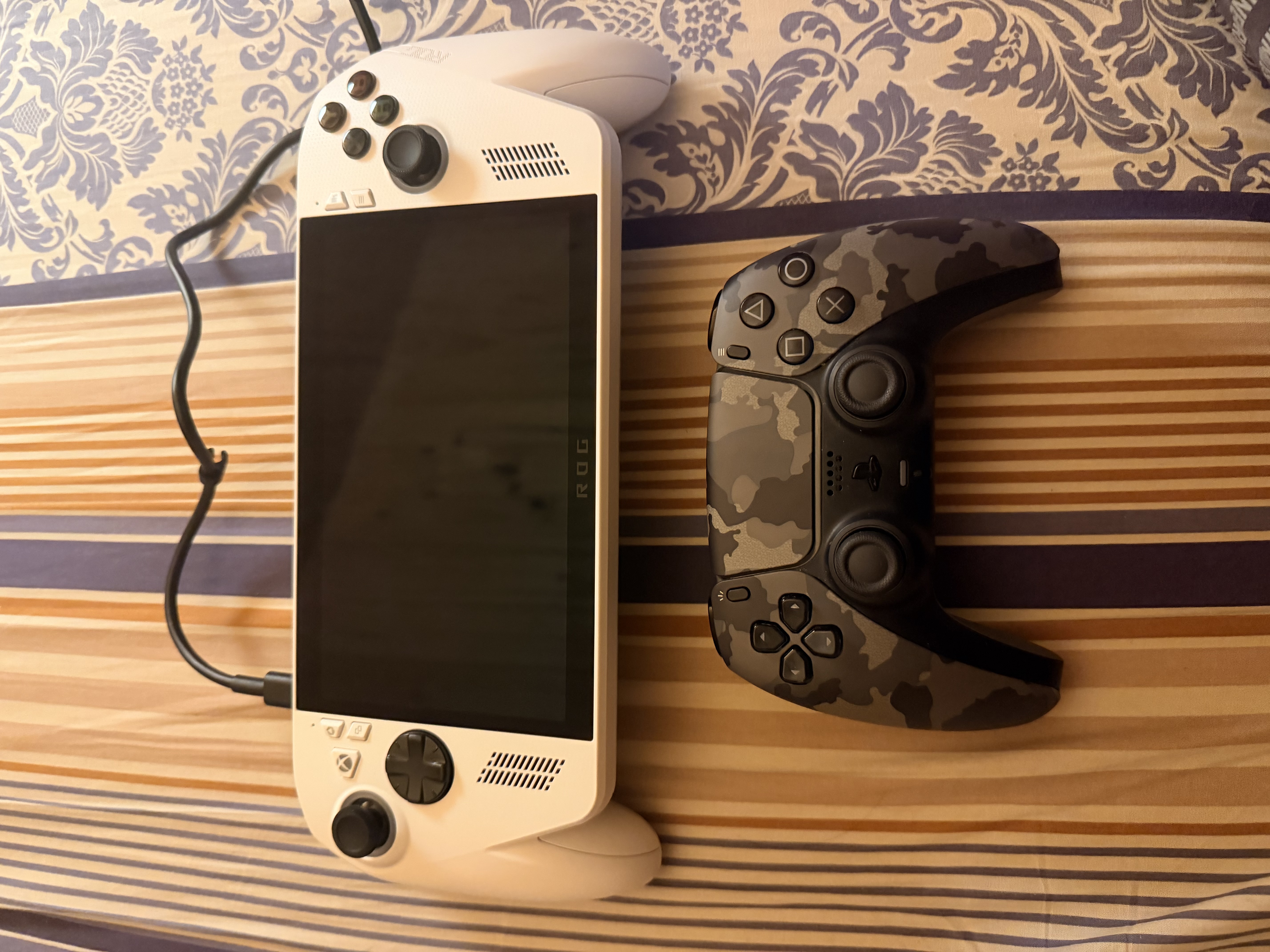
The second completely unexpected surprise was its exceptionally high-quality external speakers. Compared to the disastrous audio output of the 18-inch Area-51 I tested a few days ago, the speakers crammed into this relatively compact chassis perform far beyond expectations.
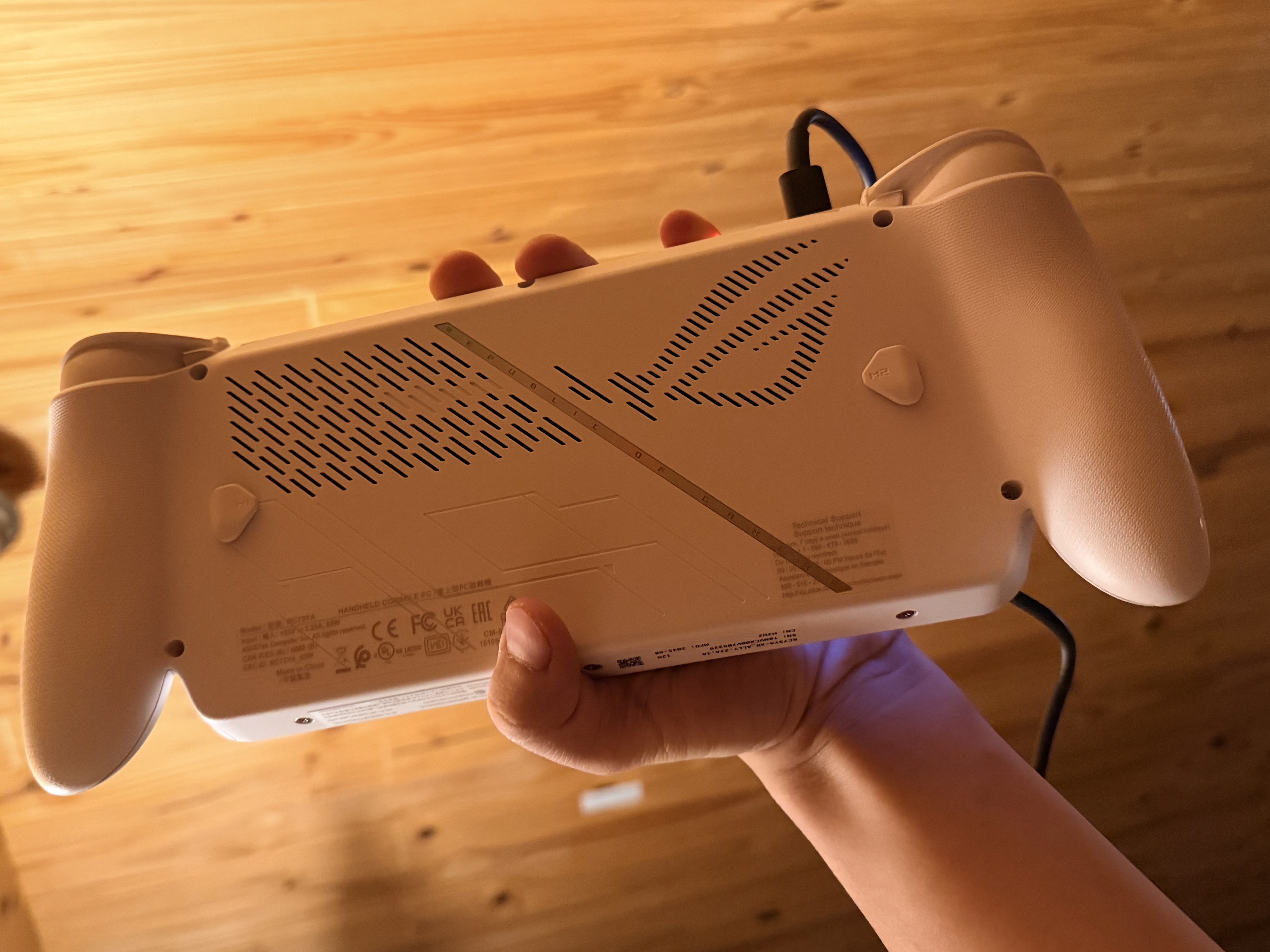
At its core, the Ally is a Windows PC. This machine features a 1080P 120Hz display and is powered by AMD’s Z2 processor. Even though its hardware form factor shows no signs of resembling a traditional PC, it essentially becomes one the moment you connect an external keyboard, mouse, and monitor.
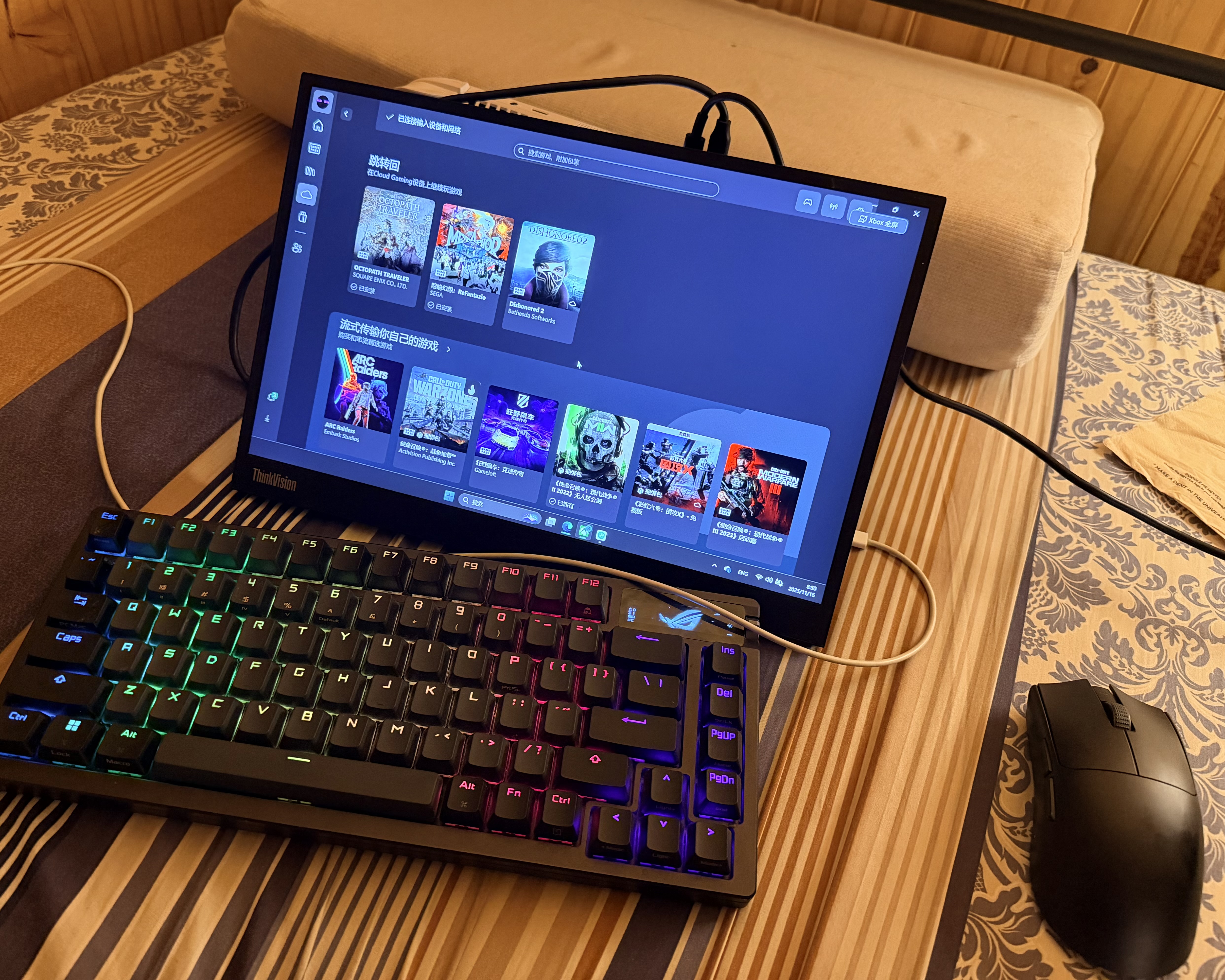
In terms of performance, the Ally’s showing in actual gaming tests is a “mixed bag.”
When playing relatively lightweight games like Octopath Traveler, the Ally meets expectations. Running at 1080P on high settings, it delivers a stable 50-60 frames per second, which, combined with the excellent speakers, creates a very solid experience. Other titles, such as Hollow Knight: Silksong and Valheim (with lowered graphics), also run stably and smoothly. However, Minecraft was an exception. A game that runs fluidly on mobile phones frequently dropped to 20-30 FPS on this device, usually hovering around 40-50 FPS normally. It’s possible that modern Minecraft has added too much bloat, leading to poor optimization, but it definitely left a bad impression on me.
Once you step out of the lightweight gaming comfort zone, the Ally’s performance limitations are immediately exposed. I tested Resident Evil 4: Remake, Dead by Daylight, and Metaphor: ReFantazio. Without exception, even after turning every possible graphic setting to the absolute minimum and dropping the resolution to 720P or lower—where the screen was already full of pixelation and jagged edges—I still couldn’t achieve a stable, smooth 60 FPS in these three games. As for Cyberpunk 2077, Black Myth: Wukong, or any future games built on Unreal Engine 5, I simply have no further expectations.
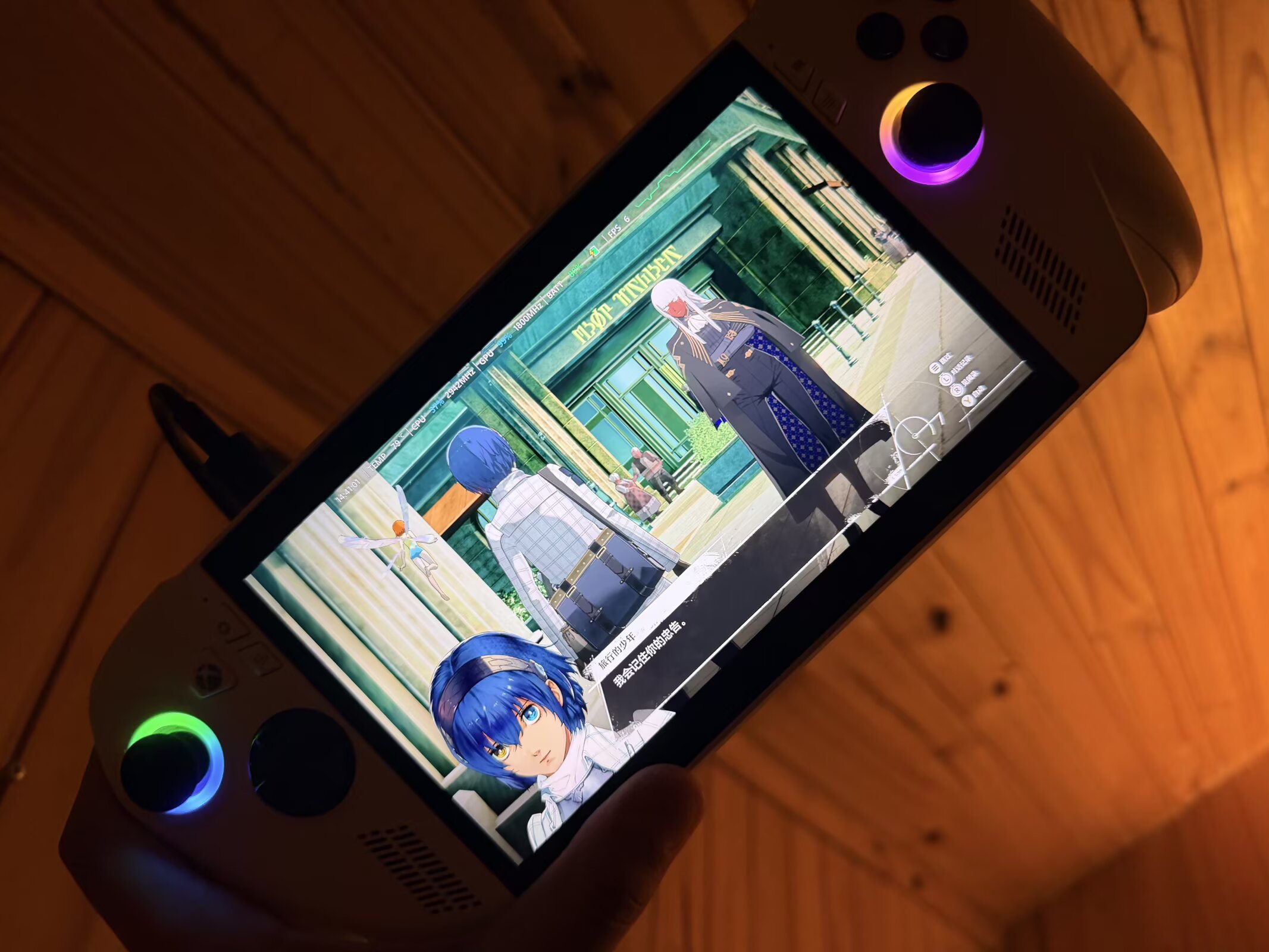
I had anticipated the performance issues, but the system experience broke through my lowest expectations, successfully reaching a point where just looking at Windows makes me sick.
Windows is an OS built for a “keyboard, mouse, and large screen.” Handhelds, however, are built for a “controller, touch, and small screen.” This conflict reminded me of a high school classmate’s Surface. During brief use back then, I felt Microsoft was trying to simulate a mouse and keyboard with touch, while simultaneously forcing a mouse and keyboard to accommodate touch, resulting in extreme awkwardness on both ends. On the Ally’s even smaller screen, this conflict is infinitely magnified.
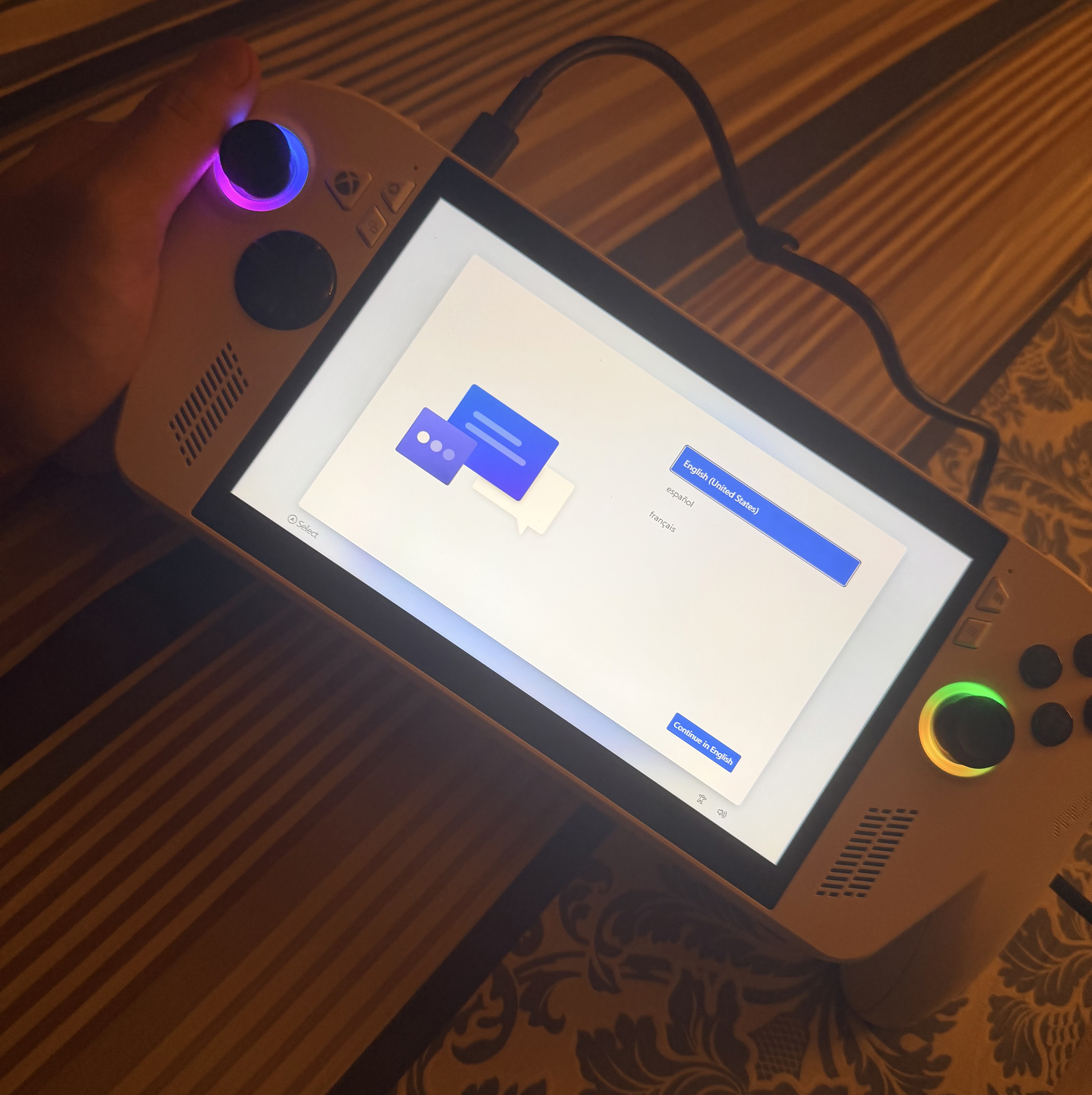
When PC game developers build games, their default target is a monitor. Unlike Switch developers, they don’t consciously optimize font sizes, UI scaling, and interaction logic for small screens. Because of this, I frequently encounter frustrating moments where the text is too small to read and UI buttons are too tiny to accurately click.
Everything I hate about the Windows OS is present on this handheld—and magnified. The power management is disastrous. This is its most fatal flaw. As a mobile device, a handheld’s “sleep” button (the power button) should act like a smartphone or tablet: press it, and it enters low-power standby. But the Ally’s Windows OS doesn’t work that way. Yesterday, assuming the device was asleep, I casually set it aside. I woke up the next day to find the battery completely dead. It had been frantically consuming power in the background. This completely violates the core “pick up and play, put down and suspend” logic of a handheld console.
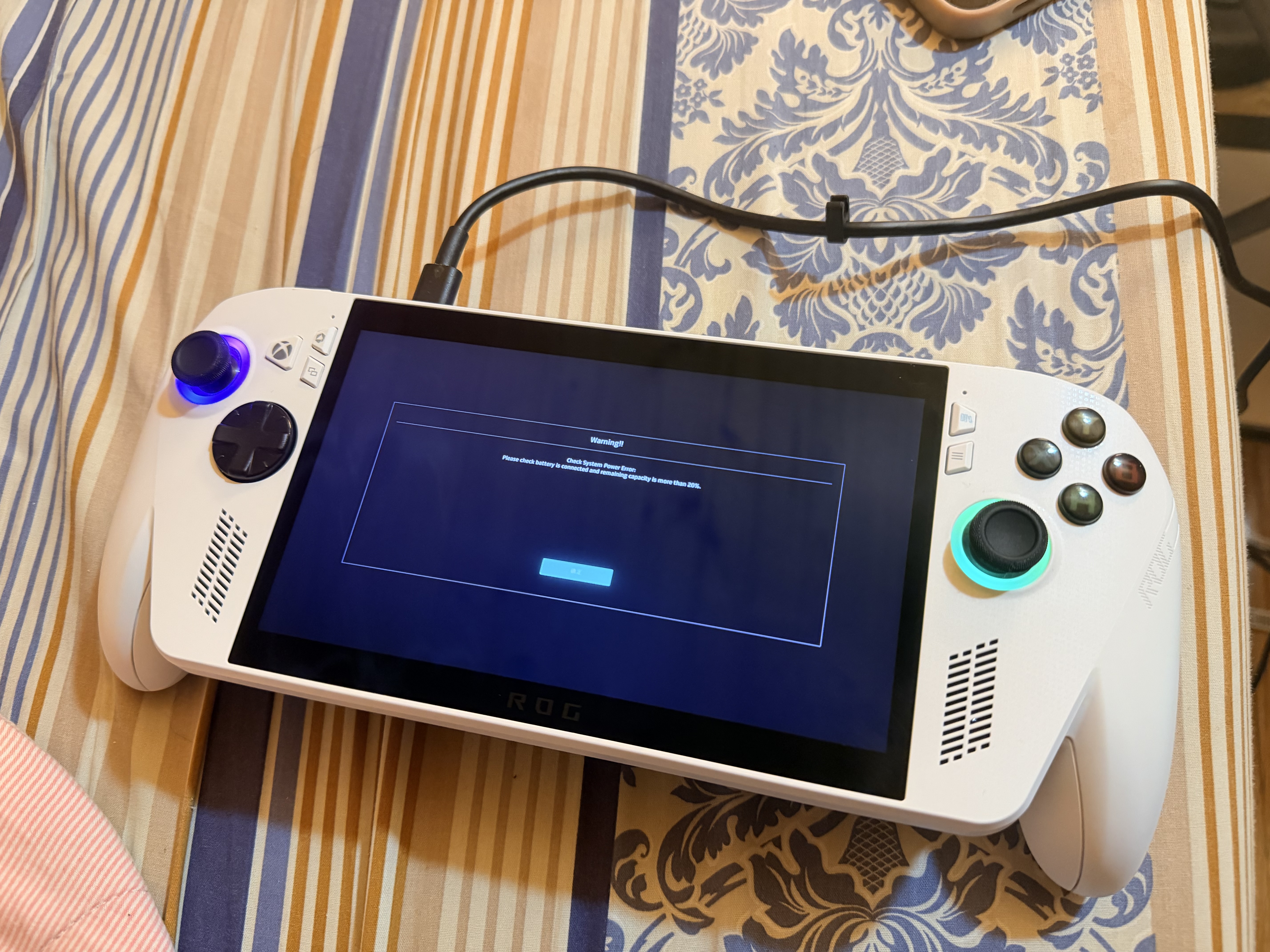
Then there are Windows’ obnoxious forced updates and stability issues. After being forced to update before powering off last time, my machine lagged severely and repeatedly failed to boot. When I finally got into the system after multiple attempts, I found it had lost all my previous settings. When prompted to enter my PIN, the system failed to bring up the touch keyboard. I was forced to open the “On-Screen Keyboard” from the Accessibility menu and use the joystick to simulate a mouse pointer, clicking characters one by one. Even then, it failed once and only succeeded after a reboot.
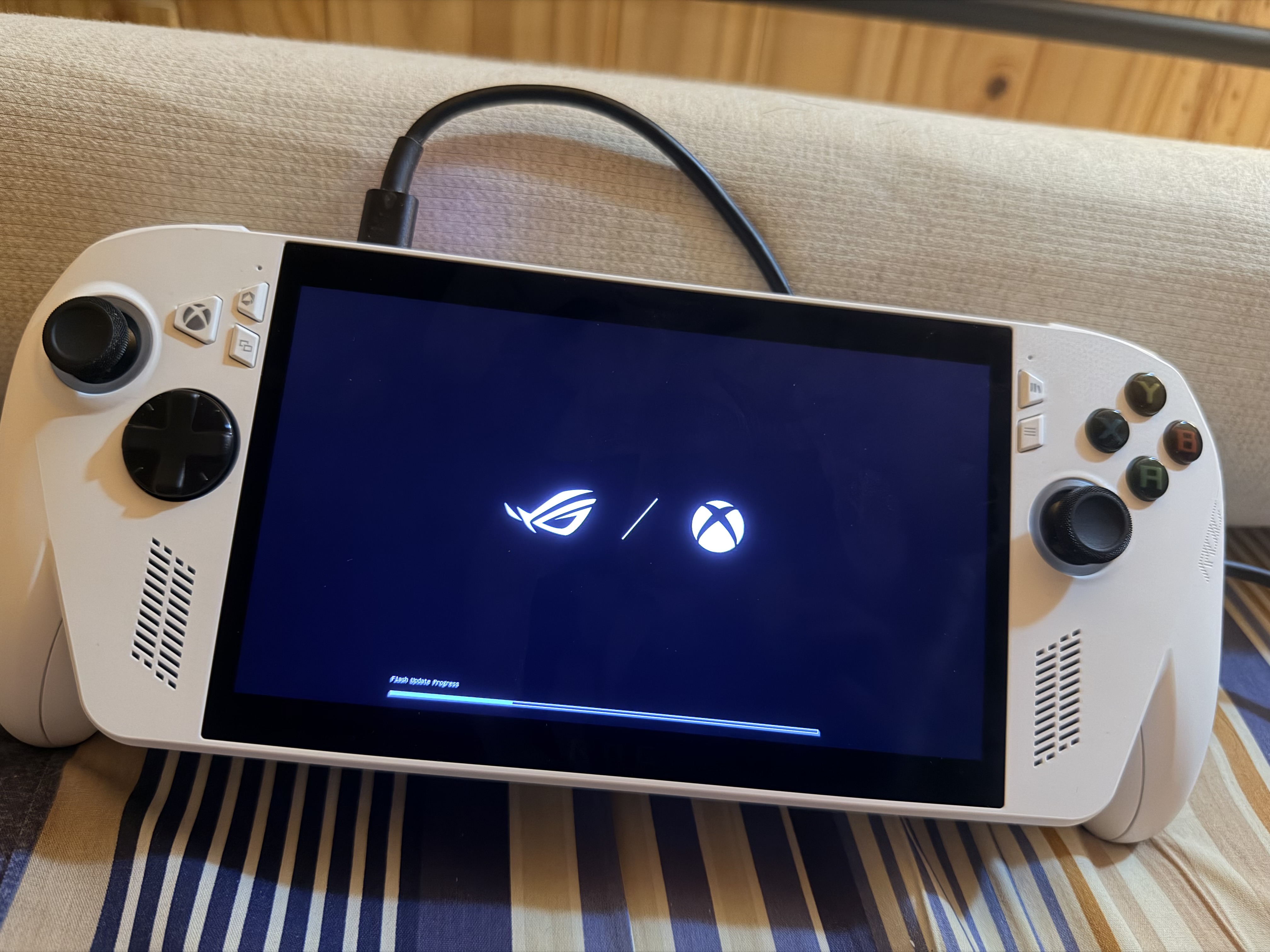
I also have to mention that from the first time I turned it on to the moment I actually launched a game, an hour and a half had passed. I bought it to play games, yet I was forced to endure this series of tedious chores. By contrast, going from unboxing a Switch, setting it up, turning it on, and downloading my first digital game (a time that would be zero if using a physical cartridge) took me less than twenty minutes.
Regarding the Ally’s biggest selling point—its Xbox integration—I consider it a massive failure. There is absolutely no reason to choose the Ally over this feature alone.
Simply put, the Ally attempts to build a full-screen game launcher on top of Windows, but it fails. The Xbox overlay feels more like a “full-screen web client.” It can only temporarily “freeze” irrelevant Windows background processes to save RAM, but it lacks hot-switching capabilities. The moment any background process needs those resources, the optimized state breaks, and you have to reboot to get it back. This “fragmented” feeling persists throughout the entire experience. Combine this with frequently malfunctioning drivers, lighting, and volume control logic, and I truly cannot find a single piece of system interaction that brings me joy.
By now, the portrait of this machine is very clear.
I think the most accurate metaphor is: The ROG Ally (and similar PC handhelds) is essentially a “Surface Go with embedded Xbox hardware controllers.” The light-to-medium indie game experience is dragged down by Windows’ terrible power management, forced updates, and tedious setup, while high-performance demanding games basically fail to run properly. Its only advantage is the “freedom” of a PC: you can download games from anywhere and play them, but this comes at the massive expense of usability and stability. This is the primary trade-off you must weigh when deciding between a Switch or a PC handheld.
What should future PC handhelds look like, in my view? System customization is mandatory. Something akin to the old full-screen Windows 8 Metro UI, or the current Xbox Console dashboard logic, would actually work. The device needs to be locked into this OS state. All game launching, daily operations, sleeping, and waking should be handled entirely within this interface. Users should only switch to the traditional desktop when they specifically need to “install new software.” The underlying OS can still be Windows, but without wrapping and encapsulating the user experience, a poor UX is inevitable.
As for the hardware form factor: since volume is limited, why not mimic the PS Portal’s approach but take it further? Build a lightweight machine consisting only of a screen, controllers, and a battery, dedicated entirely to local PC streaming over high-speed, low-latency protocols. If current wireless tech isn’t up to par, video signals and power could be delivered via a Type-C cable. This way, the handheld could even shed its battery and most processing components to drastically reduce weight. Since the unplugged battery life of current handhelds is already terrible anyway, we might as well lean into it, accept the existence of a tethered cable, and look for solutions in other directions. Separating the input/output components from the processing/heat-generating components would bypass many of the awkward limitations of current-gen handhelds. Even on the go, it could tether to a gaming laptop that handles the actual computing.
Therefore, at this stage, the concept of “encapsulation” applies not only to how Windows should behave on a handheld, but equally to physical hardware separation. The part the player holds should only be the parts necessary for perception and input. The modules responsible for heavy processing and generating heat can be tucked away somewhere out of sight.
That just about sums up my current thoughts.