Interface switching element/Safe area ignore/text insertion
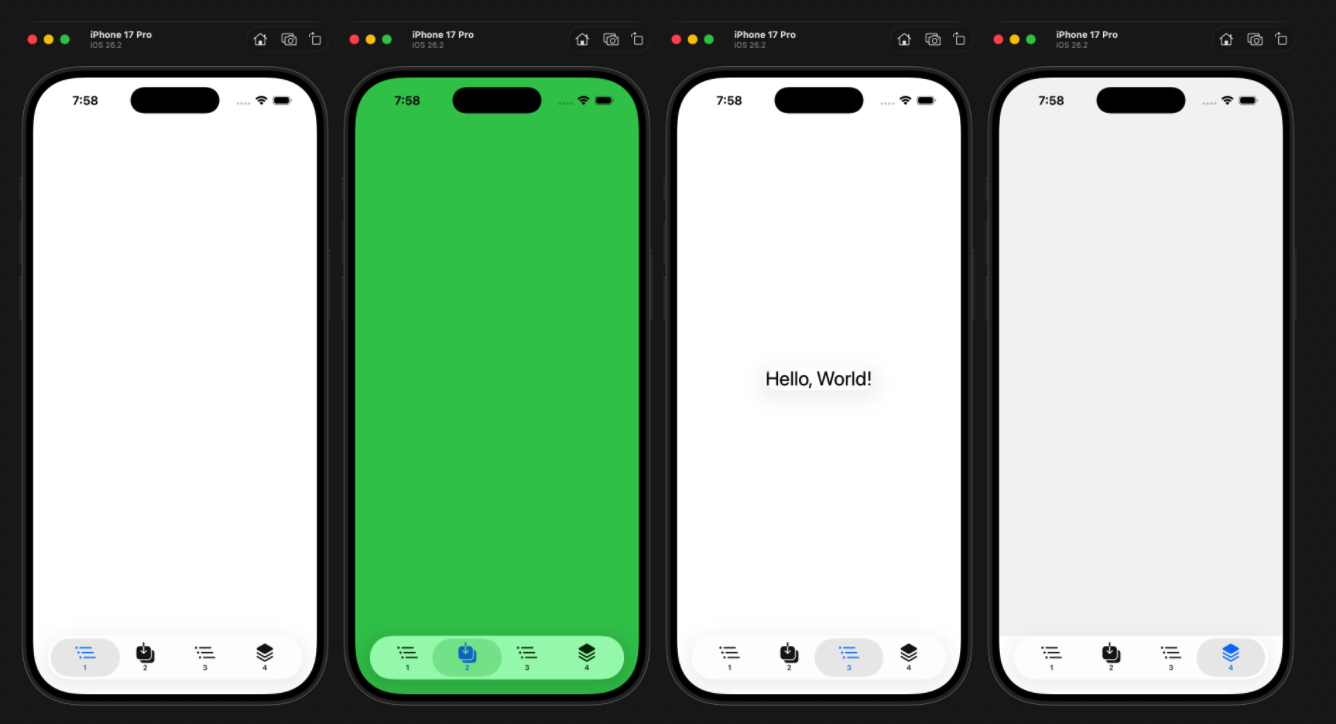
Using TabView, the following examples have relatively comprehensive applications.
DemoUI_ProjectApp.swift
import SwiftUI

@main
struct DemoUI_ProjectApp: App {
    var body: some Scene {
        WindowGroup {
            ContentView2()
        }
    }
}
UITest.swift
import SwiftUI

struct ContentView2: View {
    var body: some View {
        TabView {
            Color.white // Page is blank
                .ignoresSafeArea(edges: .top) // Ignore the top safe area and let the color fill the entire screen
                .tabItem {
                    Label("1", systemImage: "list.bullet.indent")
                }


            Color.green
                .ignoresSafeArea(edges: .top) // Ignore the top safe area and let the color fill the entire screen
                .ignoresSafeArea(edges: .bottom) // Ignore the bottom safe area and let the color fill the entire screen
                .tabItem{
                    Label("2", systemImage: "square.and.arrow.down.on.square")
                }

            Text("Hello, World!")
                .font(.title)
                .glassEffect()
                .tabItem {
                    Label("3", systemImage: "list.bullet.indent")
                }

            // second blank page
            Color.gray.opacity(0.1) // Add a little color to distinguish switching actions
                .ignoresSafeArea(edges: .top)
                .tabItem {
                    Label("4", systemImage: "square.stack.3d.up")
                }

        }

    }
}
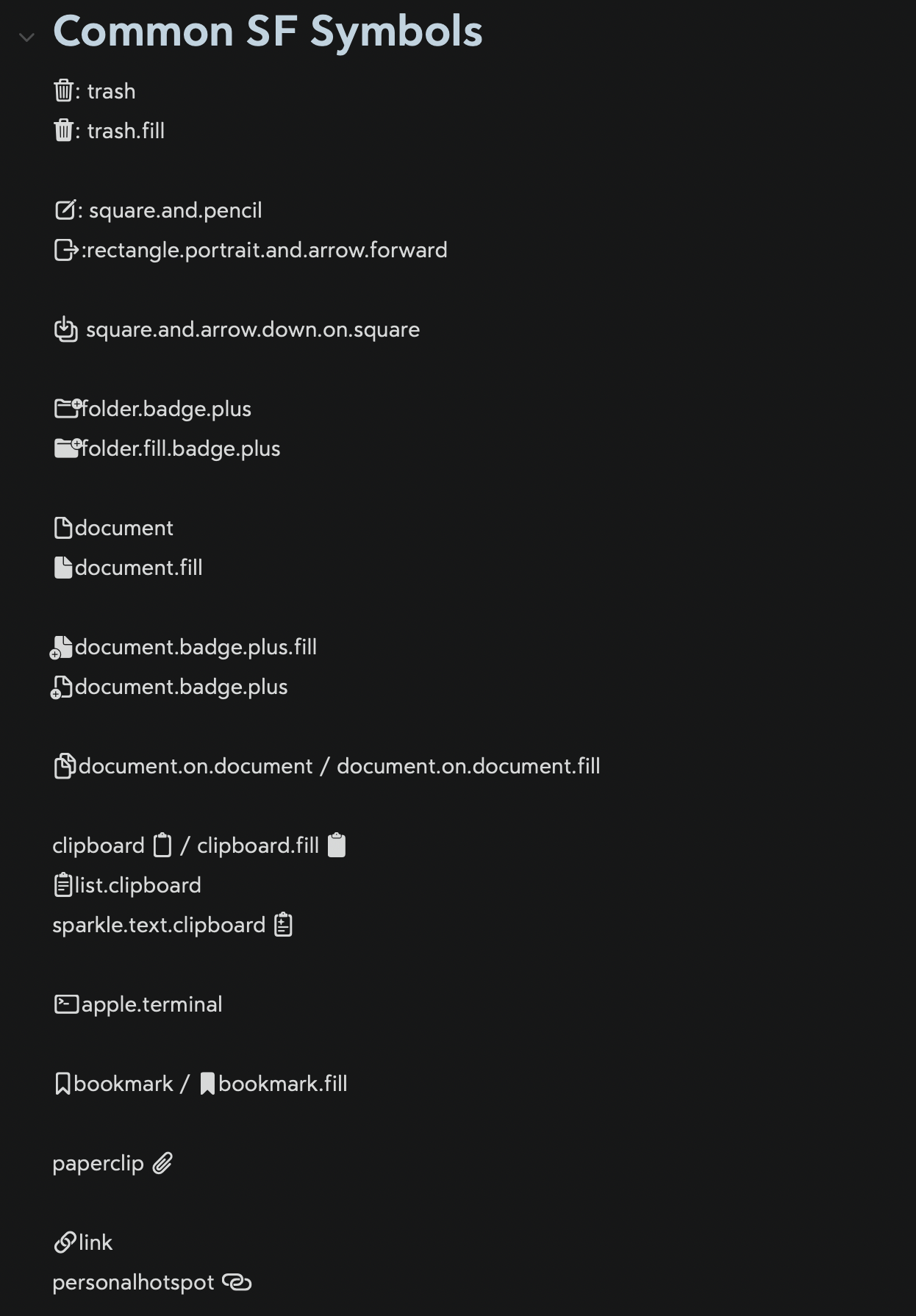
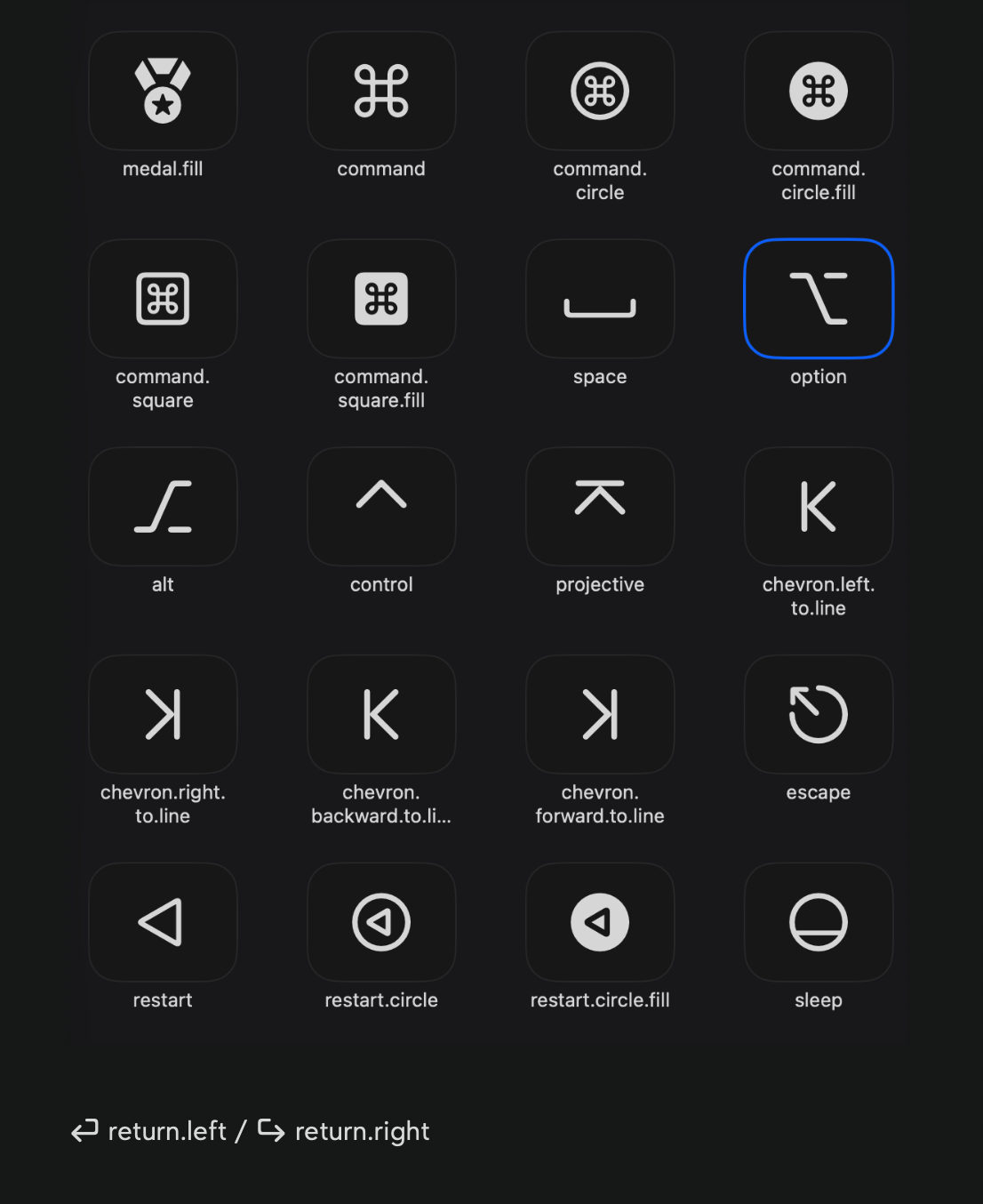
Commonly used SF Symbols comparison table